
Is Your Phone Camera Failing? Signs You Need a Repair Right Away
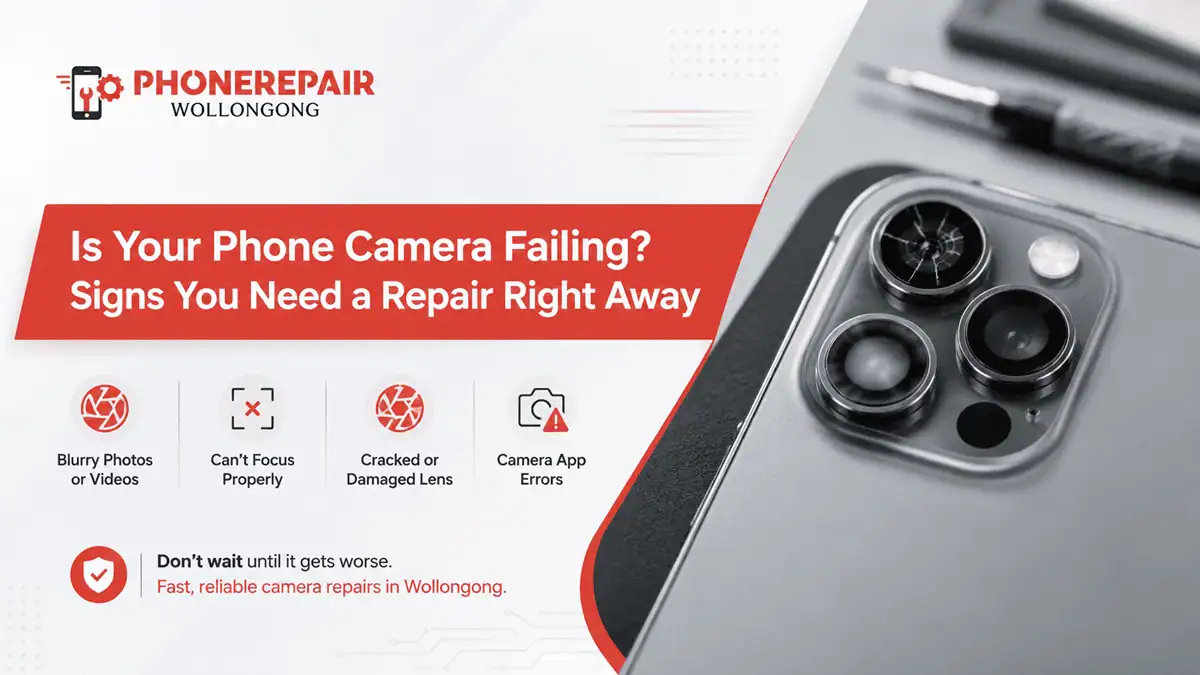
These days, a phone camera has become one of those tools we use on a daily basis and seldom think twice about unless it begins to malfunction. With the scanner app, you scan documents, have family photographs and work videos, capture receipts, join video calls — sometimes it even double checks tiny product labels. Thus, we end up with a camera that could go blurry out of nowhere or even not focus and showing you everything as a black screen is more infuriating than a cracked screen.
We see camera faults on iPhone models, Samsung Galaxy phones, Google Pixels, OPPO devices and many more here at Phone Repairs Wollongong. More often than not, the problem begins small. If, of course, you ignore these early warning signs, the fault can migrate to other areas of the phone or become ever more expensive to rectify.
This guide discusses the most usual signs of phone camera repair, what are its causes and when a technician should check your device.
Why Phone Camera Problems Shouldn’t Be Ignored
What the camera on your phone is not simply a lens. These parts comprise tiny sensors, stabilisation components, focus motors, glass covers, connectors and software controls. As a result, even the most minor bump or moisture can impact its operation.
Even if it is normal in appearance and powers on after a drop, the rear camera may shake. Likewise, the lens is believed to be neat but the picture is foggy because moisture has gone inside the camera module. Therefore, quick action matters.
If your camera keeps failing, it may also affect apps like FaceTime, WhatsApp, Instagram, Snapchat, banking apps, QR scanners, and work apps that need camera access. Get details on Android Repairs in Shellharbour.
Common Signs Your Phone Camera Needs Repair
Below are the main warning signs that your camera may need professional attention.
Camera Issue | What You May Notice | Possible Cause | Repair Urgency |
Blurry photos | Photos look soft even after cleaning the lens | Damaged lens, focus fault, internal dust | Medium to high |
Black camera screen | Camera app opens but shows nothing | Camera module failure or software conflict | High |
Camera shaking | Image vibrates or makes buzzing sound | Optical image stabilisation fault | High |
Cracked camera glass | Visible crack over the rear lens | Impact damage | High |
Foggy camera | Hazy photos or moisture inside lens | Water or humidity damage | High |
Flash not syncing | Flash fires but photo stays dark | Flash circuit or camera timing issue | Medium |
Camera app crashing | App closes when camera opens | Software or hardware fault | Medium |
Front camera not working | Selfie camera shows black or blurred image | Sensor, flex cable, or screen-related fault | High |
1. Your Photos Look Blurry Even After Cleaning the Lens
The first thing most people check is a dirty lens and that’s for a good reason. But if you have done this and your photos are still blurred, there may be something else at work.
The issue may be due to a scratched lens cover, broken focus motor, internal dust or camera module problem. Besides, focussing problems arise after dropping some phones even when the camera glass has not broken.
You might observe that near-shots are OK, but long-distance photographs look awful. Or the camera could simply keep hunting in and out for focus but never lock properly. At any rate, this is a solid indication that your should start looking at mobile camera repair Wollongong.
2. The Camera Shows a Black Screen
A frightful black screen in your camera app Sometimes it happens because some other app is running in the background that is using the camera But if restart does not resolve it then the defect goes deeper.
A black camera screen can mean a faulty sensor, loose internal connector, broken camera module or corrupted software. On some devices, only the rear camera may stop functioning while others (front) are working. In other instances, one camera stops and the other camera stop shooting together also.
You should not keep forcing the app open again and again if it keeps freezing. Instead, get it checked before the issue affects other phone functions.
3. Your Camera Shakes, Buzzes, or Vibrates
One of the most frequent camera problems after a drop! Application opens the camera, and then the image starts shaking. Occasionally, you can also hear a low buzzing, clicking or rattling sound coming from the area where the camera is.
This frequently has to do with the optical picture stabilisation device. In modern phones, tiny moving parts can hold an image still. However, after impact these parts can seize or fail. This causes photos to look wobbly, videos to shake and the camera is hard-pressed to focus.
If your iPhone camera is shaking or your Samsung camera vibrates, you should book a repair quickly. Continuing to use it may make the camera module worse.
4. The Rear Camera Glass Is Cracked
Cracked back camera lens may not appear to be the most important cosmetic issue. But that may lead to bigger problems in case dust or moisture comes through the crack.
Even a hairline crack can result in glare, light streaks and cloudy photos. In addition to minor scratches, chipped glass close to the camera can scratch the lens under it. When that happens, a simple glass replacement might morph into a full-blown camera module repair instead.
If you see cracked glass around the camera, avoid wiping it roughly. Tiny glass pieces may spread or scratch the lens. Instead, bring it in for a proper phone camera glass replacement. Looking for a Android Repairs in Dapto?
5. Photos Look Foggy or Washed Out
Foggy Images Will Always Indicate One of These Three Things: Humidity, Damaged Lens or Internal Contamination Should your phone have been exposed to water, a bathroom with high humidity, or be sealed up in your bag with other damp items very recently, then the camera area may indeed be moist.
Initially, the camera may just appear to be a little blurry. But humidity can progressively affect some internal parts. Sometimes, the camera works for days after exposing it to water.
Do not blow dry or put the phone in direct sunlight; Heath may damage the screen, battery and seals. Instead, switch the phone off and take it for a checkup. For camera problems related to water really fast service could save more serious damage on the phone.
6. The Camera App Keeps Freezing or Crashing
If your camera app hangs for one time, there might be a chance that it is just a temporary issue. But if it closes each time you switch to video mode, portrait mode, or front camera, then it is probably a hardware issue.
The camera app can crash due to outdated software, low storage, corrupted application settings or malfunctioning camera hardware. So, you can start with easy steps first, by restarting the phone itself checking for storage and system updates. However, if still get the issue, a technician has to check the camera thoroughly.
Our experts at Phone Repairs Wollongong can check to see if it is a problem with the software, the camera module or some other internal part.
7. The Flash Doesn’t Work Properly with the Camera
A flash problem can be tricky. Your torch may work fine, but your flash photos may still come out dark. In other cases, the flash may fire too early or too late.
This can happen because of camera timing faults, software bugs, or issues with the flash circuit. Although it may not stop you from taking daytime photos, it can ruin night shots, event photos, and work images in low light.
If flash issues happen along with blurry images or camera crashes, the problem may not be only the flash. It may need a full camera diagnosis.
8. The Front Camera or Selfie Camera Stops Working
The front camera plays a big role in video calls, selfies, Face ID on some iPhones, and online meetings. So, when it fails, it quickly becomes annoying.
You may see a black screen when switching to selfie mode. Or, the front camera may look blurry, dusty, or overexposed. On some phones, front camera problems appear after a screen replacement, heavy drop, or water damage.
If your phone uses facial recognition, you should avoid DIY repair attempts. The front camera area can include sensitive parts, and rough handling may affect Face ID or other features. Get details on Android Repairs in Warrawong.
Quick Checks Before You Visit a Repair Shop
Before booking a repair, you can try a few safe checks at home.
Quick Check | How It Helps |
Restart the phone | Clears temporary camera glitches |
Clean the lens gently | Removes fingerprints and surface dust |
Check app permissions | Confirms apps can access the camera |
Try another camera app | Helps separate app issues from hardware faults |
Update your phone | Fixes known software bugs |
Free up storage | Allows photos and videos to save properly |
Remove the case | Checks if the case blocks the lens or flash |
However, if your camera issue started after a drop, water exposure, or cracked glass, do not delay the repair. Hardware faults rarely fix themselves.
When You Need Phone Camera Repair Right Away
You should arrange a repair as soon as possible if:
- the camera shows a black screen
- photos stay blurry after lens cleaning
- the camera shakes or buzzes
- rear camera glass is cracked
- moisture appears inside the lens
- the phone was dropped recently
- the camera app crashes every time
- Face ID or video calls stop working
- flash and camera no longer sync
These signs usually point to more than a simple setting issue. In addition, delaying service may allow dust, moisture, or loose parts to cause extra damage. Looking for a Android Repairs in Wollongong?
Why Choose Phone Repairs Wollongong?
You do not want to give your camera for guesswork, what you need is a repairer who can diagnose the actual issue. Phone Repairs Wollongong also assists locals with camera faults, cracked Camera glass, blurry photos, black screen camera issues, water-related cameras issues and front or rear camera replacement.
We service all of the most popular models, including iPhones, Samsung Galaxy phones, Google Pixel devices and many others. Additionally, we could verify if your problem requires either a simple lens glass replacement or software troubleshooting to repair a camera module repair.
So, if your phone camera is failing, don’t wait until it stops working completely. Bring it in and get clear photos back again.
Related Articles:
» Android Repairs in Shell Cove
» Android Repairs in Unanderra
Signs It’s Time to Fix Your Camera
A little bit blurred, a little shake, a tiny crack — the phone camera starts failing. But these little signs can quickly evolve into big faults. Your phone camera interacts with a lot of daily used apps, so it is worth fixing at the start.
If you see blurry photos, black screens and camera shaking or cracked glass along with foggy images and app crashes all the time there could be an issue with your phone camera in Wollongong so Fone Insomnia can solve any phone camera repair problem as quickly as possible.
FAQs: Is Your Phone Camera Failing? Signs You Need a Repair Right Away
Your phone camera might be blurry due to fingerprints, scratched camera glass, internal dust, moisture or a focus motor. Then it will no longer help to clean your lens and you would require a camera repair.
Yes. A shattered camera lens can cause glare, blurry pictures, light streaks, and problems with focus. It’s also capable of allowing dust or moisture to enter the camera area.
Yes. Both water and moisture can fog the lens, ruin the camera sensor, or rust out internal components. You will want to immediately power down your phone and get it looked at.
Yes. Front camera faults can often be repaired, depending on the model and damage. However, some phones have sensitive face recognition parts, so professional repair is best.