
Samsung Galaxy Phone Repair: Screen, Battery & Charging Port Fixes
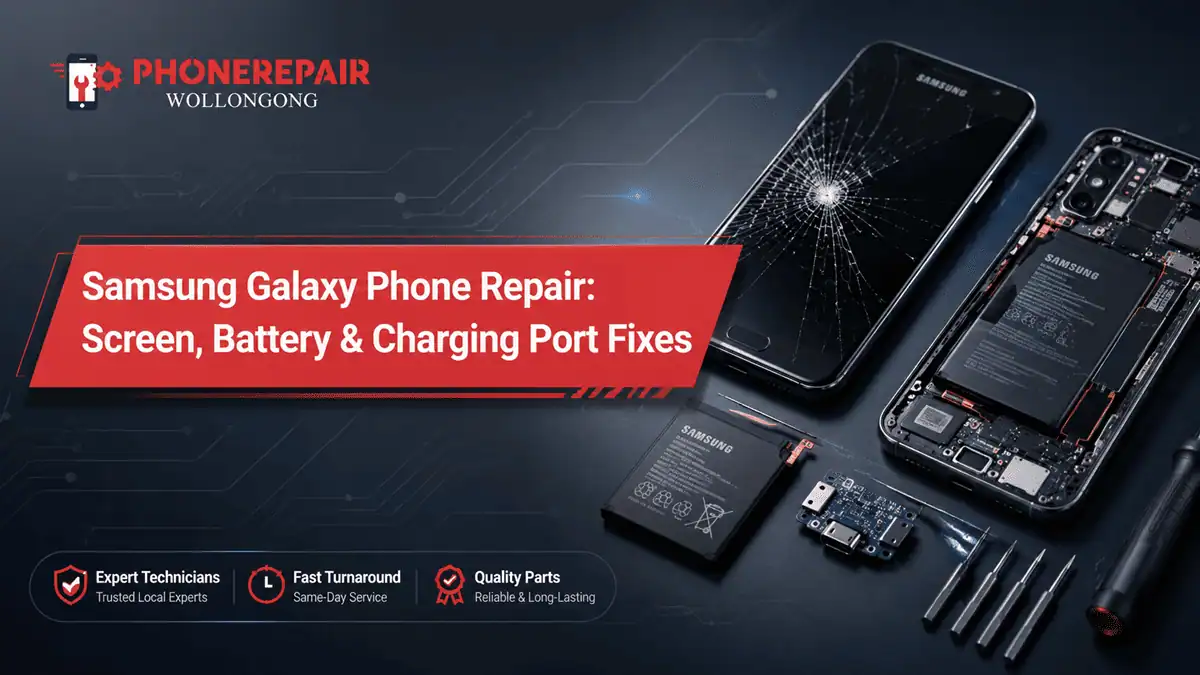
Samsung Galaxy is a handy phone for day to day but no matter how strong the phone, it might have its own issues like drop, water splash, battery damage or charging problem after some time. When you have a cracked screen, lack battery life or your USB-C port has failed, you probably need something more convenient, less time-consuming and preferably cheaper. This is where Samsung Galaxy phone repair in Wollongong becomes crucial for local users that rely on their phone for work, study, banking, photos and contacting family.
Samsung screen repair Samsung battery replacement Samsung charging port repair camera faults back glass damage and software-related issues are the most common issues that we solve for users of this brand at Phone Repairs Wollongong. Additionally, an accurate diagnosis will prevent a small fault from evolving into a larger and costlier repair in future.
Why Samsung Galaxy Repairs Need Proper Diagnosis
Most Samsung Galaxy problems look like a cake walk in the beginning. For example, the phone does not charge but the actual problem is the cable, charging port, battery, motherboard or moisture inside the device. In a similar way, a cracked screen could work well for a day or two but the internal display damage can extend from here.
Therefore, professional testing matters. The technician examines the display, battery capacity, charging capability, frame integrity, buttons and speakers as well as internal connections before suggesting a repair. That is how you are saving yourself from attempting guesswork and, paying for the repair that was not even needed. Get details on Samsung Phone Repairs in Wollongong.
Samsung Galaxy Screen Repair in Wollongong
It is very common to have a cracked Samsung screen. This typically occurs from a drop on tiles, concrete, car parks or even from a pocket. In some cases, the glass cracks but the display is still functional. Though, in other situations, your phone may have vertical green lines, black spots on the screen, flickering ghost touch and even no display at all.
A genuine Samsung Galaxy screen replacement also recovers touch response, brightness and display clarity providing safe everyday use. Moreover, it will also prevent dust and moisture from entering the device through cracked glass.
Signs You Need Samsung Screen Repair
Screen Problem | What It Usually Means | Recommended Action |
Cracked outer glass | Physical impact damage | Replace screen before cracks spread |
Green or pink lines | Display panel damage | Screen replacement may be needed |
Black spots | Internal OLED/LCD damage | Book inspection quickly |
Ghost touch | Touch layer fault | Avoid using sensitive apps |
No display but phone rings | Screen connection or panel issue | Technician diagnosis needed |
So, your Galaxy phone has a crack in it and if it still works after that accidental drop, you might be regretting spending money on another one. But pointy glass does slice your fingers, and pressing on the broken screen could aggravate it. This is why getting an early repair is generally the wiser option.
Samsung Battery Replacement: When Your Phone Drains Too Fast
Poor battery life turns a good Samsung phone into a useless device. You may top it up to 100% in the morning but at lunch time it takes a heavy dip. Often, the battery has simply reached end-of-life, with pull through daily charging cycles. Besides heat, fast charging, gaming and navigation and cheap chargers can shorten battery life faster.
Samsung battery replacement fixes daily performance when the phone shuts down unexpectedly, heats up during normal use or cannot hold power as before. In addition, it helps keep your phone alive longer without having to purchase a new gadget. Looking for a Android Repairs in Shellharbour?
Common Signs of a Bad Samsung Battery
Your Samsung phone may need a new battery if it:
- Drains quickly even with light use
- Switches off at 20% or 30%
- Takes too long to charge
- Feels hot during normal use
- Has a swollen back cover
- Restarts without warning
- Shows battery percentage jumping up and down
A swollen battery needs urgent attention. Do not press the back cover or keep charging the phone, because swollen batteries can damage the screen, frame or internal parts.
Samsung Charging Port Repair
Problems with the charging port are also quite common, mainly when a phone is kept inside pockets or bags or cars or dusty work areas. With time, the USB-C port may pick up lint, dirt, moisture and other wear. As a result, your Samsung Galaxy may charge only at specific angles, cease fast charging or not connect to the computer.
Depending on the fault, repair of Samsung charging ports may involve cleaning, testing or replacing the charging port assembly. Not every charging problem is the sign of a broken port, however. At times the issue is caused due to the cable, adaptor or battery. Therefore, testing first is important. Get details on Android Repairs in Dapto.
Charging Port Problem Checklist
Symptom | Possible Cause | What You Should Try First |
Cable feels loose | Dust or worn port | Stop forcing the cable |
Charges only at an angle | Port damage or debris | Get the port inspected |
Slow charging | Cable, adaptor, battery or port | Try a known good charger |
Moisture warning | Water or humidity inside port | Do not charge until checked |
No charging response | Battery, port or board issue | Book diagnosis |
Avoid poking the port with metal pins or sharp tools. Instead, let a technician inspect it safely, because one wrong move can damage the internal pins.
Is It Worth Repairing a Samsung Galaxy Phone?
In many cases, yes. If you own a Samsung Galaxy phone that still works fine, it can be much more cost-efficient to repair the device rather than replace it. However, there are certain repairs done on Galaxy S, A or Note series phones that don’t require a lot of work such as fixing screen, battery or charging port where repair may extend the use by many more months and years.
But what is best for you and your vehicle really relies on the make, age, state of wear and complete repair cost. If your mobile has multiple problems, a technician will also help you compare the repair price with its replacement value.
Repair or Replace? Quick Comparison
Situation | Repair Makes Sense? | Why |
Cracked screen only | Yes | Phone can work like normal after screen replacement |
Weak battery only | Yes | Battery replacement is usually cost-effective |
Charging port fault only | Yes | Repair can restore daily usability |
Screen + battery + back damage | Maybe | Depends on model value |
Water damage with board fault | Needs inspection | Cost can vary widely |
Samsung Models Commonly Repaired
Phone Repairs Wollongong can assist with many Galaxy models, including popular Samsung Galaxy S series, A series, Note series, Z series and older models where parts are available. Additionally, many customers repair Samsung A series phones because they offer good value and are worth keeping when the fault is minor. Looking for a Android Repairs in Warrawong?
Common repair requests include:
- Samsung Galaxy S screen repair
- Samsung Galaxy A series battery replacement
- Samsung Note charging port repair
- Samsung back glass replacement
- Samsung camera glass repair
- Samsung water damage inspection
- Samsung software troubleshooting
Why Choose Local Samsung Phone Repair in Wollongong?
The process can be made simpler by choosing a local repair shop. You can describe the issue in a clear way, receive advice that you can actually use and generally do not have to wait long for mail. In addition, Local service can be helpful when you need the phone back quickly for work, family or travel.
Since you have local clients in Wollongong, you need predictability in pricing along with transparent diagnosis and trustworthy repairs. Also, you can question before approving the repair so that information allows you to make sure of your decision. Get details on Android Repairs in Wollongong.
Tips to Protect Your Samsung After Repair
After fixing your Samsung phone, a few habits can help prevent future damage. Firstly, use a strong screen protector and a shockproof case. Secondly, avoid cheap chargers, because poor-quality cables can damage the port or affect battery performance. Thirdly, keep your phone away from bathrooms, pools and wet kitchen benches.
Also, clean dust around the charging area gently and avoid charging the phone overnight on soft surfaces like pillows or blankets. These simple steps can improve safety and extend your phone’s life.
Related Articles:
» Android Repairs in Shell Cove
» Android Repairs in Unanderra
Fast, Reliable Fixes for Your Samsung Galaxy
So, the first thing to consider is that you will not always need a new device if there is damage with a Samsung galaxy phone. As a matter of fact, there are several usual issues that can be rectified with the right repair. Be it Samsung screen repair Wollongong, Samsung battery replacement service or Samsung charging port repair service, professional inspection helps determine the further most appropriate step.
Is your phone cracked, too fast draining or not charging? Head to Phone Repairs Wollongong for simple advice & reliable Samsung Galaxy repair service.
FAQs: Samsung Galaxy Phone Repair
Indicators that urge you to change the screen are cracks on the display, black spots, green lines, flickering screen, ghost touch and even non-touch response.
Yes. The cracks can spread as well, which allows dust or moisture to enter the phone. Therefore, early repair is safer.
Battery ageing (after some months), background apps, heat, coupled with a poor charger or over usage are charging beauties but can result in resulting deep battery draining.
Replace it when the phone drains quickly, shuts down suddenly, overheats, or the battery percentage jumps.
Yes. Stop charging the phone and get it checked quickly. A swollen battery can damage internal parts.
This may happen due to dust, worn charging pins or port damage. A technician should inspect it.
Sometimes, yes. If lint or dirt causes the issue, cleaning may fix it. However, damaged pins may need repair.
Not always. The cable, adaptor, port or software can also cause slow charging.
Usually yes, especially for screen, battery and charging port faults. However, it depends on the model and damage.
Yes. Moisture can trigger warnings, corrosion or charging failure. Do not charge a wet phone.
Repair time depends on the model, fault and parts availability. Simple repairs may be quicker than complex damage.
Yes, many Samsung Galaxy A series and S series models can be inspected and repaired, depending on parts availability.