
Common iPhone Screen Problems and the Best Repair Solutions
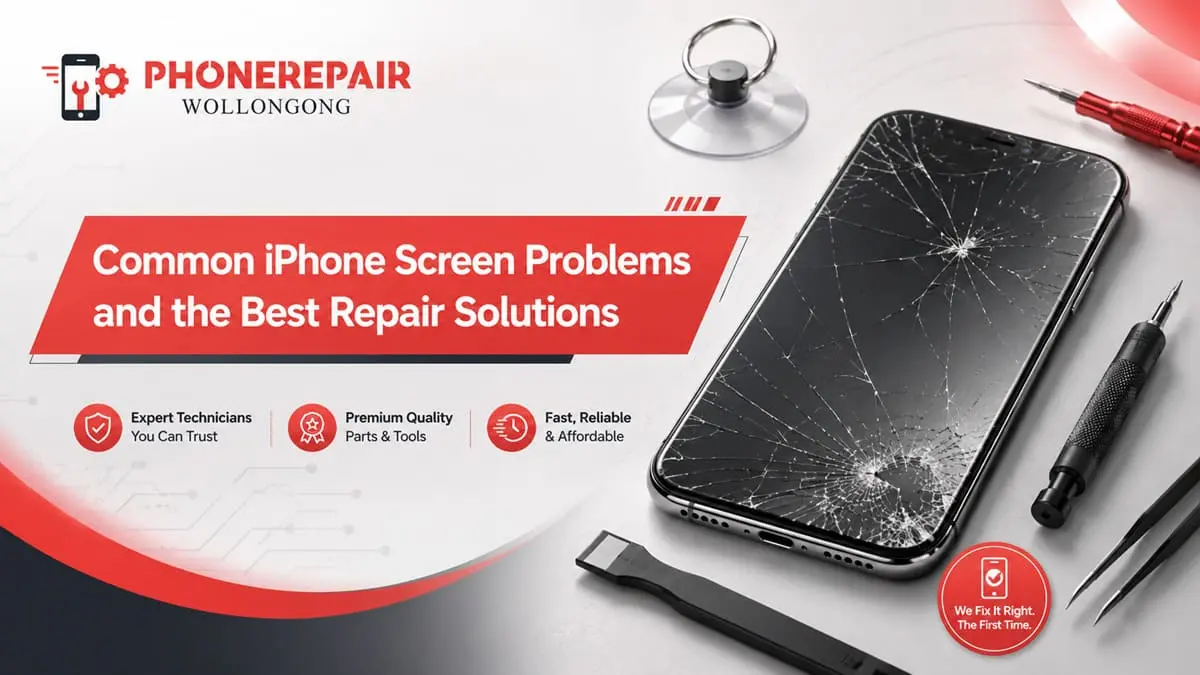
An iPhone screen does far more than display photos, messages and apps. It also receives every tap, controls Face ID functions on supported models and protects delicate internal components from dust and moisture. Therefore, even a small screen fault can quickly affect how comfortably and safely you use your phone.
Some of which expose display problems immediately after the drop. Others, though, take time to arrive but fall victim to pressure damage, moisture ingress or a tired connector or display panel. Understanding more than clears it up for you so that you can opt for the ideal iPhone screen repair instead of squandering money on temporary fixes.
At Phone Repairs Wollongong, technicians check the entire display assembly before offering a solution. This decreases unnecessary part replacements and would allow them to have their phones working again.
Quick Guide to Common iPhone Screen Faults
Screen problem | Common cause | Recommended repair | Typical service time* |
Cracked front glass | Drops or direct impact | Screen assembly replacement | 30–90 minutes |
Unresponsive touch | Digitiser or connector damage | Diagnostic test and screen replacement | 45–90 minutes |
Black screen | Display failure, battery issue or internal damage | Full diagnosis before repair | 45–120 minutes |
Green or white lines | OLED/LCD panel damage | Display replacement | 30–90 minutes |
Screen flickering | Loose connector, damaged panel or software issue | Connector inspection and display testing | 45–90 minutes |
Ghost touch | Faulty digitiser or poor-quality previous screen | Quality replacement display | 30–90 minutes |
Screen lifting | Swollen battery or poor screen fitting | Battery and screen inspection | 60–120 minutes |
*Repair times remain approximate and may vary according to the iPhone model, part availability and the extent of internal damage. Get details on iPhone Repairs in Berkeley.
1. Cracked or Shattered iPhone Glass
Cracked screens are always a typical iPhone issue. In some cases, the phone was still functioning with multiple fractures of the screen. That doesn’t mean it is okay to continue to use.
Glass that fractures may have razor sharp edges. Additionally, openings unto the screen also make way for dust and moisture into the display connectors and internal board. That crack can even extend whenever the phone is exposed to heat, pressure or another minor knock.
A screen protector may temporarily hold loose glass together. However, it cannot restore the screen’s strength or stop internal damage. The most dependable solution is a professional iPhone screen replacement using a compatible, well-fitted display assembly.
2. Touchscreen Not Responding
You may tap an app several times without receiving a response. Alternatively, only one section of the screen might stop working. This usually points to a problem with the digitiser, which detects finger movement.
Restart the iPhone and remove a damaged or too thick screen protector before attempting to get a repair. Wipe the display surface with a clean, dry microfibre cloth. If the fault persists, there may be a failure of the screen assembly or its internal connector.
Try, only if a technician must test the display, connectors and main board before replacing parts. Thus, you do not shell out for a new screen when the problem lies elsewhere.
3. Ghost Touch and Random Screen Movement
Ghost touch occurs when an iPhone opens apps, types letters or scrolls without being touched. It can make the device almost impossible to use. More importantly, random inputs may enter incorrect passcodes repeatedly and temporarily disable the phone.
Ghost touch commonly develops after:
- A hard drop or screen impact
- Moisture entering the display
- A low-quality replacement screen
- Pressure from a bent frame
- Damage to the display connector
- Extreme heat
A forced restart may briefly stop the behaviour. Nevertheless, recurring ghost touch usually requires a new display or internal connector repair. A technician should also check whether the frame is bent, since fitting a fresh screen onto a damaged housing may cause the problem to return. Looking for a iPhone Repairs in Fairy Meadow?
4. Black Screen While the Phone Still Works
The iPhone being stuck in black screen does not necessarily mean that the entire phone is dead on your black screen. For example, the phone would ring or vibrate or sound notifications or connect to the charger. The display panel or screen connector will fail in that case.
The first step would be a hard reboot suitable to the design of your device. Now leave the device on a working charger which you are sure of its full working condition for at least 20 to 30 minutes. If you hear sounds or vibrations but no image is shown, organize a diagnosis test.
Before recommending replacement, technicians could test the phone with a functional display. Using such data, they will be able to tell whether it is a screen problem, a battery problem and possibly more serious damage to the logic-board.
5. Coloured Lines Across the Display
Green, pink, purple or white lines usually indicate physical panel damage. These lines may appear after a drop even when the outer glass looks perfect. This happens because the OLED or LCD layer beneath the glass can crack without leaving an obvious external mark.
Software updates rarely solve permanent vertical lines. Likewise, pressing or twisting the display can make the damage worse. The correct repair normally involves replacing the complete screen assembly.
For OLED-equipped iPhones, choosing a suitable quality grade also matters. An extremely cheap panel may have poor brightness, uneven colours or excessive battery use. Therefore, ask what type of display the repairer intends to install.
6. Flickering, Flashing or Changing Brightness
A dimmed screen can cause eye-strain and it is tough to read content. Occasionally the mistake only happens at low brightness. In some other cases, the entire screen starts flickering right after the phone goes too hot.
There are a number of reasons this could happen — possible causes include a broken display panel, loose connector, water or moisture on parts as well as software issues. Effects from Auto-Brightness and Night Shift, as well as display settings might even create effects that users misidentify as hardware flicker.
If the cause is software, try restarting your phone and check if any software updates are available. But it is also worth checking in case flickering comes out after dropping the device or repairing. Reseat the display connector, try a different screen or look for corrosion. Get details on iPhone Repairs in Towradgi.
7. Dark Spots, Ink-Like Marks and Screen Bleeding
Black patches, coloured clouds or ink-like stains generally mean the inner display has broken. The damaged area may start small, yet it often spreads over several days. Eventually, part or all of the screen can become unreadable.
Unlike a superficial glass scratch, display bleeding cannot be polished away. In addition, applying pressure to the dark section usually expands the damage. A complete iPhone display replacement offers the only reliable solution.
Back up the device as soon as possible while enough of the screen remains visible. After all, accessing data becomes harder once the display turns completely black.
8. Screen Separating from the Frame
A lifting screen requires urgent attention. Although poor adhesive or an incorrectly fitted replacement screen may cause separation, a swollen battery is a more serious possibility.
A swollen battery can push the display upwards from inside the phone. You may notice a gap along one edge, unusual heat, rapid battery drain or a screen that feels raised.
Do not push the screen back into place. Furthermore, avoid charging the phone until a technician checks it. Pressure on a damaged lithium-ion battery can create a safety risk. The repair may involve battery replacement, screen replacement or both, depending on the condition of each component.
9. Screen Damage After Water Exposure
Recent iPhones tout water-resistance capabilities, but those protections can fade over time, with drops and a few repairs. Hence, an iPhone is never waterproof.
The screen may flicker, show lines, lose touch input or appear black after contact with a liquid. Regularly switching the phone on causes Short Circuit to increase. Instead, disable it, take the case off and get it professionally assessed ASAP.
Do not put the device in rice. Despite rice soaking up moisture, it will not be able to clean corrosion from internal connectors, and some fine aspects of rice may enter charging ports. Water and Liquid-Damage Treatment you need to open the phone disassemble it disconnect the battery affect check components. Looking for a iPhone Repairs in Bulli?
Repair or Replace the Whole iPhone?
A screen repair often makes financial sense when the phone still performs well and the damage remains limited to the display.
Situation | Screen repair may suit | Phone replacement may suit |
Cracked glass with normal performance | Yes | Usually no |
Touch fault caused by damaged display | Yes | Usually no |
Screen plus healthy battery and cameras | Yes | Usually no |
Severe frame bending | Possibly | Consider replacement |
Extensive liquid and board damage | Depends on diagnosis | Often worth considering |
Very old phone with several major faults | Possibly not | Often practical |
Important data not backed up | Repair first where possible | Avoid replacing immediately |
Before deciding, compare the repair quote with the phone’s condition, storage capacity, expected remaining life and replacement cost. However, do not judge value by screen damage alone. A well-maintained iPhone may still offer several years of useful service after repair.
Related Services:
» iPhone Repairs in Wollongong
Choosing the Best iPhone Screen Repair in Wollongong
Repair also goes beyond just replacing a panel. The technician will also check the frame of your laptop, test the touch response and ensure that display brightness is OK and that speakers, cameras and sensors are functioning properly.
When selecting an iPhone repair service in Wollongong, ask about:
- The quality and type of replacement display
- Warranty coverage on the repair
- Expected repair time
- Testing completed before handover
- Whether your data normally remains on the device
- Additional costs if internal damage is found
A very low quote may appear attractive. On the other hand, poor-quality parts can produce dull colours, delayed touch response and early failure. Reliable workmanship and clear warranty terms often provide better long-term value.
Related Articles:
» Professional iPhone Water Damage Repair
» Fast and Reliable iPhone Battery Replacement Services in Wollongong
» Top Signs Your iPhone Needs Repair Before It Gets Worse
» iPhone Front & Rear Camera Repair
» Expert iPhone Repair Services for Broken Screens
Restore Your iPhone Screen with the Best Repair Solution
Failings on a screen seldom get better by themselves. In fact, the cracks themselves, display bleeding and touch problems often come with daily use. A pre-emptive repair can safeguard internal pieces, minimize cost and inconvenience, and occasionally reduce the total repair charge.
Whether your phone experience is shattered glass, random touch movement, vertical lines or a completely dark display, Phone Repairs Wollongong can diagnose the issue and offer a sensible solution. Above all, a proper diagnosis makes certain that the solution accommodates one’s true defect and not just covers up the symptom.