
Cracked Screen? Everything You Need to Know About iPhone Repair
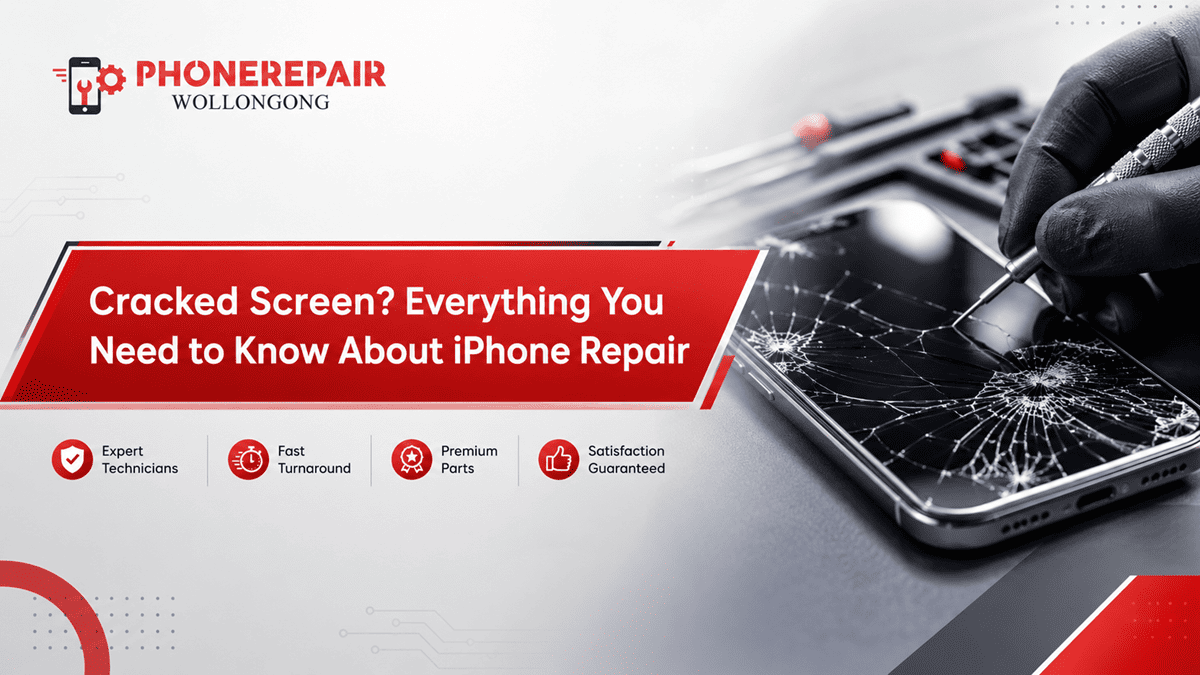
It takes only a second for an iPhone to get a cracked screen. It loosens in your pocket, drops on the kitchen bench top or even lands face-down as you get out of the car. It may seem like damage is only cosmetic at first. But, poor touch response and screen visibility and the phone’s waterproof protection even a thin crack can be worried.
It is especially important if you are looking for iPhone screen repair in Wollongong because early intervention can avoid a simple screen replacement becoming a more complex and expensive repair. In this guide, we explain the signs of wear and tear, repair options available, what are the typical costs and what to expect when you go visit a professional technician.
Can You Keep Using an iPhone with a Cracked Screen?
Technically, you may still use an iPhone with a minor crack. However, continuing to use it carries several risks.
For example, cracks often spread when the phone faces pressure, heat or another small drop. In addition, exposed edges can collect dust and moisture. Tiny glass fragments may also loosen, which can make swiping uncomfortable or even cut your finger.
More importantly, the screen protects several sensitive components underneath it. Therefore, delaying cracked iPhone screen repair may lead to:
- Touchscreen problems
- Black spots or coloured lines
- Screen flickering
- Moisture entering the device
- Damage to the display connector
- Complete screen failure
A small crack doesn’t always stay small. As a result, arranging an inspection early usually makes practical and financial sense. Get details on iPhone Repairs in Shell Cove.
Is the Glass Cracked or Is the Display Damaged?
An iPhone screen contains more than the outer layer of glass. Depending on the model, it also includes a touchscreen digitiser and an LCD or OLED display panel.
The outer glass protects the display. Meanwhile, the digitiser reads your taps and swipes. The display panel produces the image you see.
Use the table below as a quick guide.
Screen problem | What you may notice | Possible repair |
Cracked outer glass | Visible cracks, but image and touch still work | Full screen assembly replacement may still be required |
Touchscreen damage | Delayed, inaccurate or unresponsive touch | Screen replacement |
LCD damage | Dark patches, fading or distorted colours | LCD screen replacement |
OLED damage | Green lines, flickering or a black display | OLED screen replacement |
Frame damage | Screen lifting or not sitting evenly | Screen and frame assessment |
Internal connection issue | Screen works intermittently after a drop | Diagnostic inspection and connector repair |
Although the glass may appear to be the only damaged part, technicians often replace the complete screen assembly. This approach generally provides a more reliable result than trying to separate and replace the glass alone.
Warning Signs You Need Immediate iPhone Screen Repair
Some people wait until their screen completely stops working. However, early warning signs can indicate that the damage has already reached the display or touch layer.
Book an iPhone repair service promptly when you notice:
- Cracks spreading across the screen
- Touch commands opening the wrong apps
- Sections of the screen becoming unresponsive
- Vertical green, white or pink lines
- Black ink-like patches
- Screen flickering after a drop
- Glass lifting away from the frame
- The phone becoming unusually hot
- Brightness changing without input
- Face ID working inconsistently after impact
Additionally, a lifting screen may indicate more than impact damage. In some cases, a swollen battery pushes the display away from the frame. Therefore, stop pressing the screen back into place and ask a technician to inspect it. Looking for a iPhone Repairs in Berkeley?
How Much Does iPhone Screen Repair Cost in Australia?
The price of iPhone screen replacement depends on the iPhone model, display technology, part quality and extent of the damage. Newer OLED models generally cost more to repair than older LCD models.
The following ranges are broad Australian market estimates only.
iPhone category | Typical screen type | Indicative repair range |
Older iPhone models | LCD | $80–$160 |
iPhone SE models | LCD | $90–$180 |
iPhone 11 series | LCD or OLED | $120–$300 |
iPhone 12 and 13 series | OLED | $180–$400 |
iPhone 14 and newer models | OLED | $250–$600+ |
Additional frame or internal damage | Varies | Quoted after inspection |
These prices can change based on parts and availability. Therefore, ask for a clear quote before approving the repair. A reputable phone repair shop in Wollongong should explain the screen option, warranty conditions and total price upfront. Get details on iPhone Repairs in Unanderra.
Genuine, Premium or Aftermarket Screens: What Is the Difference?
Not every replacement screen provides the same colour, brightness or touch response. Consequently, it’s worth asking what type of part the technician plans to install.
Genuine or Original-Service Parts
These screens aim to match the original display closely. They generally provide excellent colour accuracy, brightness and touch performance. However, they may cost more and availability can vary.
Premium Aftermarket Screens
A high-quality aftermarket display can offer good performance at a more affordable price. For many customers, this option provides a reasonable balance between cost and quality.
Budget Aftermarket Screens
Lower-priced screens may reduce repair costs. However, some may have weaker glass, lower brightness, less accurate colours or slower touch response. In addition, poor-quality parts may not fit the frame as neatly.
Before choosing, ask about:
- Display brightness
- Colour quality
- Touch responsiveness
- Screen durability
- Part warranty
- Repair workmanship warranty
Price matters, but the cheapest repair may not deliver the best long-term value. Looking for a iPhone Repairs in Coniston?
Will a Screen Replacement Affect Face ID?
An experienced technician doing the work properly would not normally cause Face ID to disable after a normal screen replacement. The Face ID and front sensor modules, on the other hand, are fragile.
No need to worry — Apple Repair technicians can swap out the earpiece and sensor assembly from your original screen, so it will be safe on the new display during repair. So these parts can be injured due to careless handling.
That is why choose a repairer that has practical experience in your iPhone type. Also, before you leave the store, test face ID, the front camera, speaker and proximity sensor.
Will You Lose Your Photos and Data?
Replacing an iPhone screen is a non-destructive process in most cases. Your photos, contacts, messages and apps are still on the phone.
That said, it only goes to show that backing up your device prior to any repair is a smart move. You can either use iCloud or connect it to the computer. If the screen becomes unresponsive, inform the technician before commencement of repair so that possible alternatives can be discussed.
Additionally, avoid sharing unnecessary passwords. Someone might need this code to test touch functions, cameras and speakers from before, but you can check how the company works to protect customers’ privacy. Get details on iPhone Repairs in Towradgi.
How Long Does an iPhone Screen Repair Take?
Most simple screen replacements can be done the same day. Sometimes this work may take you hardly less than an hour. But repair time depends on the model, availability of parts, and whether the impact causes other damage.
The repair may take longer when:
- The phone’s frame is bent
- The display connector is damaged
- Water entered through the crack
- The battery has swollen
- Face ID components need attention
- The required screen is not in stock
A quick repair is convenient. Still, careful testing matters more than rushing the job.
What Happens During a Professional Screen Repair?
Initially, the professional checks your phone if it is only a screen issue. Then they check key features including touchscreen responsiveness, cameras, speakers, power input and Face ID.
Next, they open the device with appropriate tools and detach the battery which also involves taking out the broken display. They will then transplant any compatible sensors or parts onto the new display.
Finally, the phone is reassembled and tested again. A thorough final check should cover:
- Touch response across the full display
- Brightness and colour
- Front and rear cameras
- Face ID
- Earpiece and loudspeaker
- Proximity sensor
- Charging function
- Screen fit and alignment
This process helps identify issues before the phone returns to you. Looking for a iPhone Repairs in Bulli?
Can You Replace an iPhone Screen at Home?
DIY repair kits are readily available online. However, replacing a modern iPhone screen requires patience, correct tools and technical knowledge.
One wrong movement can damage a cable, sensor, battery or connector. Moreover, opening the device may reduce its resistance to dust and water. Some newer iPhones can also display parts-related notifications after certain components are replaced.
So, DIY repair can not be worth much saving in case of a failure. For customers after a reliable outcome have to choose professional iPhone repair Wollongong most of the time it is a safe option.
Does Screen Replacement Restore Water Resistance?
The factory fresh iPhone already has seals to make it water-resistant. However both cracks and drops (to name two) can hinder those seals.
In the process of a professional screen replacement, a new display adhesive seal is installed to help hold the component in place. Even then, there is no reason for any cleaner to guarantee the device will return to factory water resistance level.
When you have got it repaired, keep protecting your cellphone from swimming pools, seashores, showers and heavy rain. Water-resistant does not mean waterproof. Get details on iPhone Repairs in Thirroul.
How to Protect Your iPhone After Repair
After your new screen is replaced, a couple of good habits can help minimize the potential for another costly mishap.
Make Use of a Shock-Absorbing Case with Raised Edges, Below as the First Theory. Then go for a nice tempered-glass or hydrogel screen protector. And do not put the phone on the edge of tables, car roofs or any unfavorable surfaces.
Also, never put the iPhone into the same pocket which includes keys or tools. Of course, everybody knows that conventional wisdom never leaves the phone at a hot parked car because heat can also weaken adhesives and do all sorts of nasty things to the battery.
A decent case might seem a little thick, but it is cheaper than another screen replacement.
Related Services:
» iPhone Repairs in Shellharbour
» iPhone Repairs in Albion Park
» iPhone Repairs Greater in Wollongong
Choosing an iPhone Repair Shop in Wollongong
A trustworthy repair business should provide clear information rather than pushing the cheapest option.
Before booking, ask:
- Does the quote include labour and parts?
- What screen quality will you install?
- Does the repair include a warranty?
- How long will the work take?
- Will you test Face ID and the cameras?
- Are my photos and files likely to remain untouched?
- Will you contact me before completing extra repairs?
Follow-up support is also easier with local service. This makes choosing a recognised iPhone Repair technician in Wollongong much easier than having to post your handset off to an unknown flat rate repair shop.
Related Articles:
» iPhone 16 Water Damage Repair in Wollongong
» Expert iPhone Repair Services for Broken Screens
» iPhone Front & Rear Camera Repair Guide: Issues and Fixes
» Top Signs Your iPhone Needs Repair Before It Gets Worse
» iPhone 15 overheating while charging: what to check
Making the Right Choice for Your iPhone Repair
Cracked Screen While you could argue that your cracked screen is mostly cosmetic, a broken screen can quickly become functional—and get in the way of how your iPhone operates. Sublit than cracks can also spread, touching a fail or moisture reach below the components.
So do not wait until the complete screen is dark. Have a pro look first, get parts pricing and which is covered under warranty before you approve the repair.
If your iPhone screen is broken, visit Phone Repairs Wollongong and let us assess the damage so we can explain what options you have to get your device working again.