
Why Your iPhone Camera Is Blurry: Causes, Repairs, and Prevention Tips
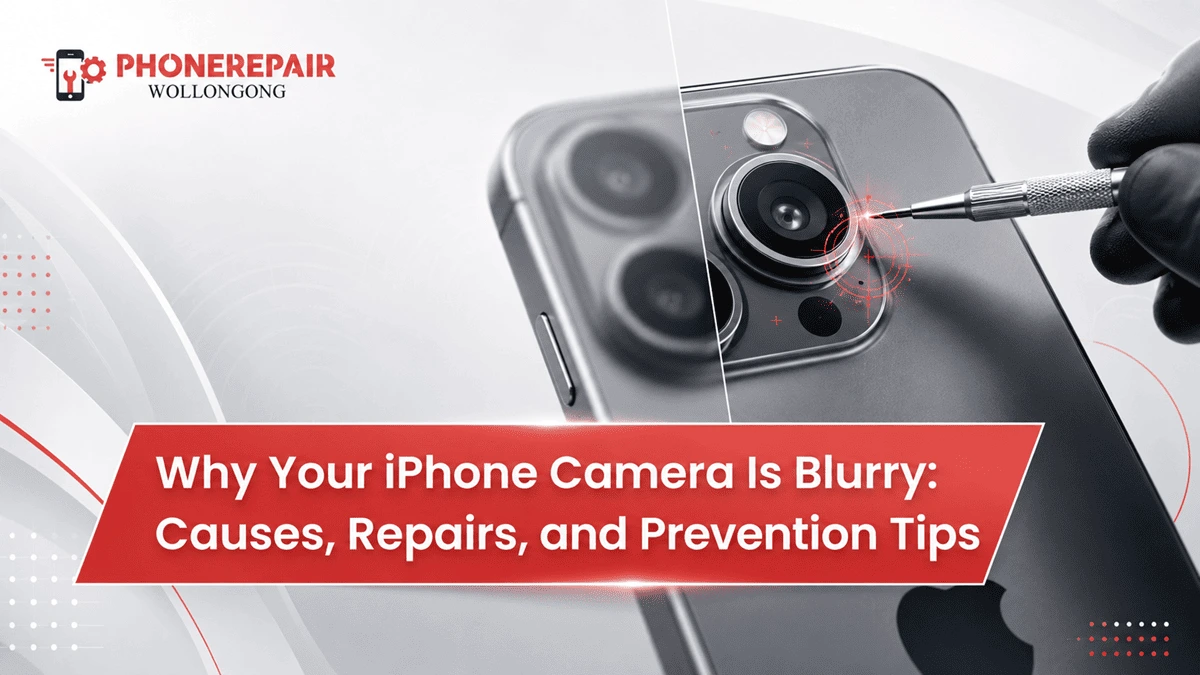
That is the point, if you ever needed to expel your iPhone of it from a spot and record a family supper, a coastline dusk or an item shot yet then can every single fuzzy picture. You wipe the camera if it is out of focus and you will try again, but even then it still looks wrong. If you depend on your phone every day, it could be really frustrating if due to some reason your iPhone camera is blurry.
Fortunately, the camera is not a total loss for sudden blurry photos. Usually, it is either dirt blocking a feature, a badly manufactured casing or some software bug. But if drops, moisture exposure or lens damage has caused your iPhone to need professional help.
At Phone Repairs Wollongong we examine iPhones with camera focusing issues, broken lens and trembling images all the time. Here is what you need to know to determine the probable reason, what modifications you can perform at home without issue, and when you can schedule a Wollongong iPhone camera repair.
Common Signs of an iPhone Camera Problem
A camera issue may affect one lens, several lenses or the entire camera application. Therefore, pay attention to how the problem behaves.
Common warning signs include:
- Photos remain blurry even after tapping the screen to focus
- The camera repeatedly moves in and out of focus
- Images look cloudy, hazy or washed out
- The camera shakes or makes a faint buzzing sound
- Dark marks appear in the same spot on every photo
- The rear camera works, but the front camera stays blurry
- The Camera app displays a black screen
- Photos look sharp at 1x zoom but blurry at another zoom level
Isolate the issue, by testing each zoom option. If the 1x camera shoots pictures just fine but the 0.5x setting appears fuzzy, the ultra-wide sensor or its associated lens is likely damaged. Get details on iPhone Repairs in Warrawong.
1. Fingerprints, Dust and Grease on the Lens
And the simplest is, take a quote form zen of python: Simple is better than complex. Due to constant contact with fingers and skin oils, fingerprints and grease easily build up on the lens covering. A layer that blurs literally every shot also comes from makeup, lint or residue from cooking.
Wipe the lens dry with a microfibre cloth Use light circular motions and DO NOT use a scratchy dishtowel, paper towel or household glass cleaner. These materials can leave fibres or damage protective coatings.
Clean it and then open the Camera app and take a picture of an interesting scene with sufficient lighting. The lens only required a thorough cleaning if the image normalizes.
2. A Case or Camera Protector Is Blocking the Lens
Some phone cases sit too close to the camera opening. Likewise, low-quality lens protectors may trap dust, develop scratches or create reflections around bright lights. As a result, photos can look foggy even when the actual camera remains undamaged.
Remove the case and any camera protector, then take another photo. If the image improves immediately, replace the accessory with a correctly fitted option.
Moreover, avoid protectors with thick glass rings around each camera. While they promise extra protection, they sometimes interfere with autofocus, flash photography and night mode.
3. The Camera Cannot Lock Focus
Your iPhone uses autofocus to identify the subject and adjust the lens. However, low light, moving objects and reflective surfaces may confuse the focus system.
Tap the subject on the screen before taking the photo. Next, hold your finger on the subject until AE/AF Lock appears. This action locks both focus and exposure, which can help when photographing close objects.
Additionally, move the phone slightly further away. Every iPhone camera has a minimum focusing distance. If you hold the lens too close to a document, flower or small product, it may struggle to create a sharp image.
4. The Outer Camera Lens Is Cracked or Scratched
The round glass covering each rear camera protects the internal lens. However, a hard drop can crack this cover without damaging the rest of the phone. Even a small chip may scatter light and create blur, glare or strange streaks.
Inspect the camera area under a bright light. Look for:
- Hairline cracks
- Missing glass
- Deep scratches
- Dust beneath the lens cover
- Condensation inside the camera opening
A broken lens cover needs prompt attention. Otherwise, dust and moisture may enter the camera assembly and turn a relatively straightforward repair into a more expensive one.
A technician can assess whether you only need an iPhone camera lens replacement or whether the internal camera module has also sustained damage. Looking for a iPhone Repairs in Shellharbour?
5. Drop Damage Has Affected the Camera Module
Even if an iPhone appears to be in good shape after a drop, it can still suffer from an internal camera defect. The impact can be harmful to the autofocus motor or optical image stabilisation system.
As a result, the image could shake and vibrate or fail to focus. You may even hear a clicking or buzzing sound in the proximity of your rear camera.
Restarting the device will hardly resolve physical impact damage. So, do not shake or knock the phone as it could only aggravate the fault. The camera module and its connection to the logic board should be looked over by a professional repairer.
6. Moisture or Condensation Is Inside the Camera
We are aware that, regardless of their water-resistance rating, the iPhones are not permanently waterproof. With exposure, prior repairs, drops and extended use the seals can weaken. Additionally, bathroom steam or sudden temperature shifts can also lead to condensation around the camera.
Fog would appear beneath the lens glass => FORGET the phone and remove it from chargers. Avoid Hairdryer, Heater or Oven. High temperatures can break the battery, glue screen and constituents inside.
Instead, schedule a professional inspection as soon as possible. Acting early allows a tech to clean up the corrosion before it spreads.
7. A Software Glitch Is Affecting the Camera
Sometimes, the camera hardware remains healthy while iOS or the Camera app behaves incorrectly. For instance, the preview may appear blurred after switching quickly between lenses or opening the camera through another app.
Try these basic steps:
- Close the Camera app and reopen it.
- Restart the iPhone.
- Test the camera in Apple’s Camera app rather than Instagram or another third-party app.
- Check for an available iOS update.
- Confirm that the device has enough free storage space.
However, back up important data before performing a major update or reset. If the blur continues across every camera app, hardware damage becomes more likely. Get details on iPhone Repairs in Kiama.
Quick Diagnosis: What Could Be Causing the Blur?
Camera symptom | Possible cause | Recommended action |
Cloudy photos in every mode | Fingerprints, grease or scratched lens cover | Clean and inspect the outer lens |
Blur only with the case fitted | Case or protector interference | Remove or replace the accessory |
Camera shakes or buzzes | Stabilisation or autofocus damage | Arrange professional inspection |
One zoom level looks blurry | Fault in one camera module | Test each lens and book a repair |
Fog appears under the glass | Moisture or condensation | Switch off and seek prompt service |
Camera works after restarting | Temporary software fault | Update iOS and monitor performance |
Black screen in all camera apps | Camera connection or module failure | Request technical diagnosis |
Can You Replace Only the Camera Lens?
In many cases, yes. If the external glass has cracked but the camera still focuses and produces clear images, a technician may only need to replace the damaged lens cover.
On the other hand, a full iPhone rear camera replacement may become necessary when the image shakes, autofocus fails or dust has entered the internal module. The correct solution depends on the phone model, damage location and condition of the surrounding frame.
For that reason, a proper inspection matters. Replacing an internal camera when only the cover has broken wastes money. Likewise, installing fresh outer glass over an already damaged camera will not restore image quality. Looking for a iPhone Repairs Albion Park?
Why DIY Camera Repairs Can Create Bigger Problems
On the internet you can easily find camera lens repair kits. However without proper tools removing the broken glass can damage the inner lens, scratches on the housing or leave pieces of glass inside.
In addition to this, poorly applied adhesive allows water and dust ingress. Other replacement lens covers can also impact light transmission as well, causing glare and poorer night pictures.
Getting an iPhone repaired by professionals in Wollongong is a much safer option because the technician checks the camera before and after making repairs. They also go through the flash, microphones, autofocus, stabilisation and every zoom setting.
Related Services:
» iPhone Repairs in Shell Cove
» Vivo Phone Repairs in Wollongong
» Huawei Phone Repairs in Wollongong
» Nokia Phone Repairs in Wollongong
» Motorola Phone Repairs in Wollongong
» Realme Phone Repairs in Wollongong
How to Prevent Future iPhone Camera Damage
A few practical habits can protect the camera and maintain photo quality:
- Choose a protective case with a raised camera edge.
- Keep keys and coins away from the phone in your bag or pocket.
- Clean the lens regularly with a microfibre cloth.
- Avoid exposing the phone to bathroom steam or saltwater spray.
- Do not place the iPhone face-up on rough surfaces.
- Replace cracked lens glass before dust enters the camera.
- Use a secure phone holder rather than an aggressive vibrating mount.
Notably, strong vibrations from some motorcycle mounts can affect optical image stabilisation components over time. Therefore, use a mount designed to reduce vibration when travelling regularly by motorbike.
Related Articles:
» Phone Battery Repair: Common Problems and Easy Solutions
» Top Signs Your iPhone Needs Repair Before It Gets Worse
» Fast and Reliable iPhone Battery Replacement Services in Wollongong
» Professional iPhone Water Damage Repair: What You Should Know
» Warning Signs Your Android Phone Needs Immediate Repair
Get Your iPhone Camera Checked in Wollongong
A dirty lens or an issue with the autofocus mechanism could lead to blurry photos. Cleans it, take off the case, and start experimenting with each setting of the camera. But if you could see cracks, dripping of water, shaking or oh! you are struggling to focus on an item then immediately drop-down professional assistance.
Best of all, Phone Repairs Wollongong can check out the device and find the root cause; suggesting a most effective repair. Prompt action may also protect working components from being ruined by dust or moisture.