
How to Prevent iPhone Charging Port Damage and Costly Repairs
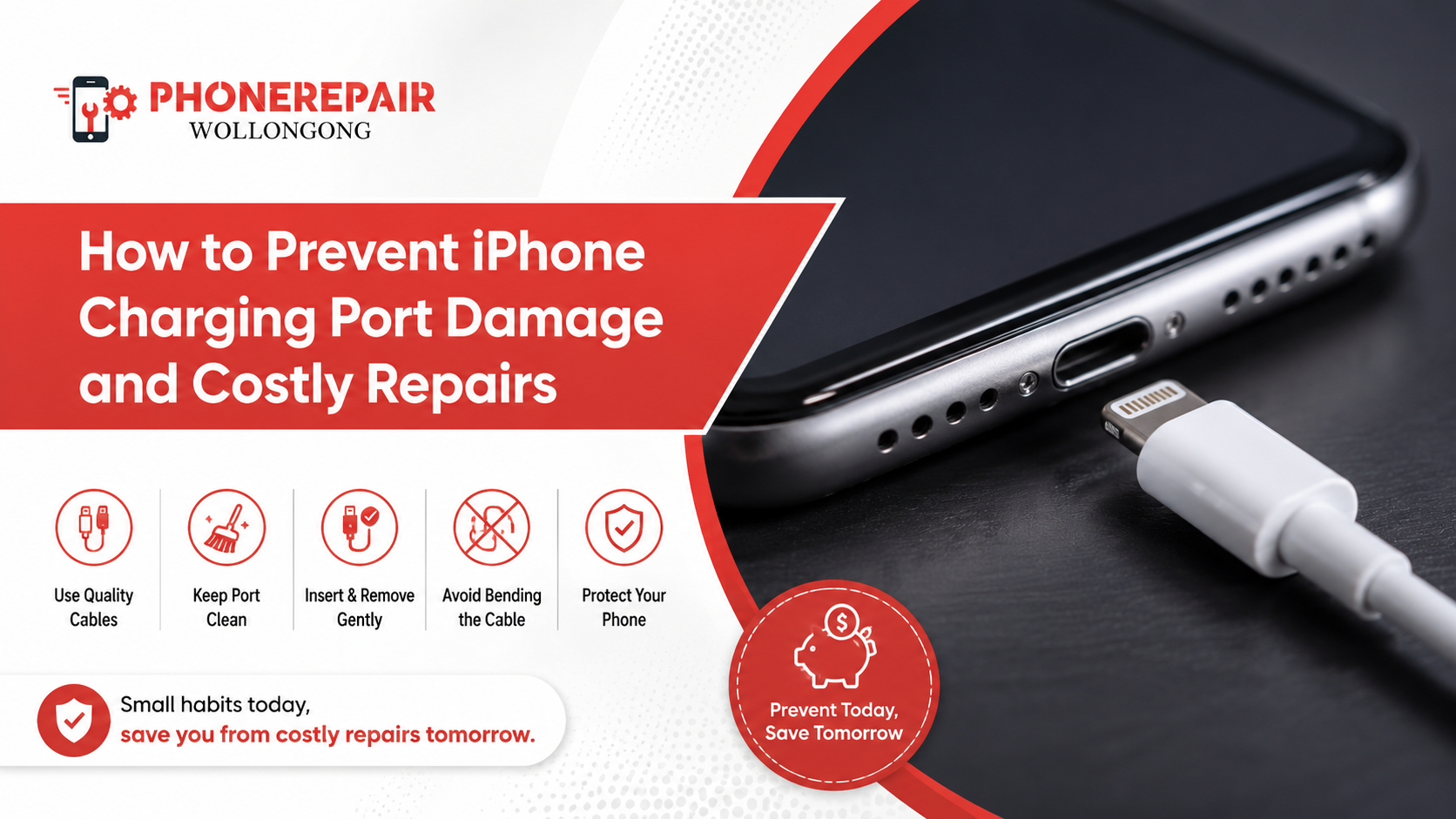
Your iPhone charger port looks like a simple small hole, but it is taking a lot of everyday misusage. You connect a cord, disconnect it, keep the phone in your pocket, use it in the car and sometimes charge it while scrolling. With time, those daily behaviours can slacken inner contacts, pack lint into the port or harm the charging connector.
The good news is, a lot of charging issues are preventable. You can follow a few reasonable habits to safeguard the port, charge reliably and avoid an unplanned iPhone charging port repair.
Why iPhone Charging Ports Get Damaged
Charging port damage doesn’t occur in a single dramatic moment. larger stress just accumulates over weeks or months.
The pocket lint, dust and fine debris buildup in the port. Then every time you plug the cable in, it drives that material even further down. The connector might cease to sit well against the charging contacts.
Another common problem is rough handling of the cable. Pulling on the cable then rather than pulling on the connector can strain both the cable and as well as pressure the port connected to the phone. Similarly, connecting the iPhone and using it while charging can leave the connector bent sideways.
Moisture can also create trouble. Even with water resistant iPhones now, the charging port can still hold water. So, plugging in a cable with the port still damp can cause corrosion, charge warnings or electrical damage. Get details on Android Repairs Coniston.
Common Causes and Prevention Methods
Cause of damage | What may happen | Practical prevention |
Pocket lint and dust | Cable feels loose or charging stops | Keep pockets clean and inspect the port regularly |
Pulling the cable roughly | Connector and port may loosen | Hold the plug, not the cord |
Cheap or damaged cables | Overheating, unstable charging or poor fit | Use certified, good-quality accessories |
Charging while using the phone | Sideways pressure on the port | Place the phone down while charging |
Moisture exposure | Corrosion or liquid detection alerts | Let the port dry fully before charging |
Forcing the connector | Bent contacts or physical port damage | Check cable alignment before inserting it
|
Use a Reliable Charging Cable
A low-quality cable might be too tight, loose, or irregular. This means that if you end up using it a lot, the port would wear out even quicker than anticipated.
Select a certified cable compatible with your iPhone model. An MFi-certified accessory is required for Lightning devices. If you are using newer USB-C iPhones, make use of an authentic USB-C cable from a trusted company. It does not guarantee that a cable will be indestructible, but it lowers the chances of bad connector dimensioning and inconsistent electrical behaviour.
Additionally, if the cables are frayed or have bent plugs, or if there is exposed wiring or dark marks around the connector, replace them. Periodic losses can create temperatures, defectively usurp recharging and apply more stress on the cell phone. Looking for a iPhone Repairs in Warrawong?
Remove the Cable Correctly
Many people disconnect their iPhone by pulling on the cable itself. It feels quick, but the habit gradually weakens the cable near the plug. In addition, it can tug the connector at an angle and stress the port.
Instead, grip the solid connector head and pull it straight out. Avoid twisting, rocking or yanking it sideways. This small change helps protect the iPhone charging connector and extends the life of your cable as well.
Avoid Using the iPhone While It Charges
It often happens when watching videos, playing games or holding the phone while charging because this bend at the entry point of the cable in port goes deeper. The connector can play sideways every time you renew your position.
It is better to leave the phone on a firm support while it is charging. This is especially true when using a short cable, as short cables tend to be under more tension.
If you are buying a phone mount to use navigation in the car then find a secure mount and route the cable giving yourself enough slack. Otherwise, every bump or twist in the road could be tugging at the charging port.
Keep the Charging Port Free from Lint
In fact, lint is one of the most frequent causes that prevent an iPhone cable from clicking into position firmly. You can see here that the port may seem empty from the outside, but it is actually occupied at the back with tightly packed fibres.
Avoid dust-covered workspaces, and regularly clean the pockets or bags where you place your phone to reduce build-up. Also, do not put the phone in your pockets with paper, lint and dirt or loose soil.
Do not insert any metal tools, such as sewing needles, pins or paper clips into the port. They can potentially scratch or short the internal contacts. Don’t insert toothpicks so aggressively that they either break or harm the connector itself.
If the obstruction seems more extreme, a professional will be able to clean your iPhone charging port using special devices and lighting.Get details on iPhone Repairs in Kiama.
Protect the Port from Moisture
Water, sweat and humidity can stay trapped inside a charging port long after the outside of your phone seems dry. So do not connect a cable immediately after the phone was rain-soaked, splashed or heavily moist.
When you get a liquid detection warning in your iPhone, take out the cable from it and place it somewhere natural with good air flow to let the device dry. Always keep the port facing down as much as possible to allow moisture out.
Do not use hair dryer | heater or compressors. Extreme temperatures can damage internal electronics, while high air pressure forces moisture to the inner depths. Also, please do not put the phone in rice. Rice dust that can get into the port — was a new complication.
Do Not Force a Cable into the Port
The charging connector should just slide in. If it does not, be sure to inspect the plug and the port.
Pushing a cable could bend internal contacts or pack in debris. In other cases, users mistakenly attempt to insert a broken or invalid connector. So, inspect the orientation and condition of the cable before applying pressure.
So, if there are too many cables that don’t fit properly, then the problem is likely the port itself and not the accessories.
Consider Wireless Charging When Suitable
The wireless charging cuts down on how many times you have to plug-in and unplug a wire. It could, therefore, reduce the mechanical abrasion of the charging port.
But this is not the complete end for good charging practices, wireless charging should not replace it totally. This produces more heat than wired charging, especially when the phone is not perfectly lined up with the charger. Always use a good charger, take off thick or incompatible cases and keep the charging pad clean of dust.
In most cases, a middle ground is the best approach. You might perform wireless charging on your desk while reserving wired charging for speedy or more economical top-offs. Get details on iPhone Repairs in Shellharbour.
Warning Signs Your Charging Port Needs Attention
Early action may prevent a minor problem from becoming a costly repair.
Look for these warning signs:
- The cable only works at a certain angle
- The connector feels loose inside the port
- Charging repeatedly starts and stops
- The iPhone charges slowly with multiple cables
- The plug no longer clicks or sits firmly
- You notice dirt, corrosion or dark marks inside the port
- The phone shows frequent liquid detection warnings
- A known working cable does not connect properly
Before assuming the port has failed, test another suitable cable and power adaptor. Also, restart the phone and inspect the connector for visible damage. Nevertheless, if the issue continues, arrange an assessment rather than repeatedly forcing the cable.
Related Services:
» iPhone Repairs in Shell Cove
» Android Repairs Shellharbour
» iPhone Repairs Greater Wollongong
Cleaning at Home Versus Professional Service
Option | Suitable for | Main risk |
Gentle visual inspection | Checking for obvious lint or moisture | Low risk when nothing is inserted |
Soft external wipe | Cleaning around the port opening | Low risk with a dry, lint-free cloth |
DIY internal scraping | Attempting to remove packed debris | High risk of bent or scratched contacts |
Professional port cleaning | Deep lint, dirt or unstable connection | Lower risk when completed by a technician |
Charging port replacement | Physically damaged or failed component | Requires proper tools and diagnosis |
When to Visit Phone Repairs Wollongong
A charging issue does not mean the port needs replacing. Cleaning carefully can sometimes restore the connection. Sometimes, it can be with the cable, battery charging circuit or internal connector assembly of the fault.
A skilled technician can examine the charging port and test performance while determining what really is to blame at Phone Repairs Wollongong. It ensures you don’t end up wasting capital on replacing parts.
Prompt assessment is vital after liquid ingress, a severe drop or a visible connector failure. Inserting a cable into a broken port repeatedly could exacerbate the repair cost.
Related Articles:
» Why Your iPhone Camera Isn’t Working and Professional Repair
» Why Your Phone Isn’t Charging: Common Causes and Solutions
» Benefits of Professional iPhone Screen Repair Services
» Professional iPhone Water Damage Repair
» Top Signs Your iPhone Needs Repair Before It Gets Worse
Final Thoughts
Charging port damage on iPhones, it comes mostly down to how you handle your phone. Use reliable cables, unplug connectors correctly, keep the port dry and do not charge while putting sideways pressure on the plug.
Usually it will turn into a loose cable, an intermittent connection or an: “Unable to charge this device” warning that gives you the ability to act before the phone can only refuse to charge.
Through regular maintenance and careful charging practices, you can prolong the life of the port and minimize your risk of requiring an expensive iPhone charging repair in Wollongong.
FAQs: Why Your Phone Isn’t Charging: Common Causes and Repair Solutions
The plug also may not seat firmly due to packed lint, a damaged cable connector or damage to the port itself. Try another cable first; if this does not fix the problem, have a look at it.
Yes. When lint or dirt builds up in the rear of the port, it will not allow the cable end to contact correctly with internal contacts.
You can check the port and clean the area around the opening with a dry lint-free cloth. In fact, inserting metal or sharp objects could ruin the contacts.
It is often best to avoid high-pressure compressed air. It can drive dirt or moisture deeper into the phone.
Low-quality cables are often not well fitting or charge poorly, but they can also overheat. So they naturally add more wear to the port and battery system too.
You pointed out that while charging, holding/moving the phone could be causing an A shape and providing lateral force on the connector.
Disconnect the cable and let the phone dry naturally in a ventilated area. Do not reconnect it until the moisture warning disappears.
Yes, because it reduces cable insertion and removal. However, use a compatible wireless charger and avoid excessive heat.
The cable could be damaged, dirt could clog the port or the interior contacts might have worn away. Don’t bend the cable to save this charge, that may get worse in return.
Every week visual inspection is wise, especially if you work around dusty equipment or carry the phone in a pocket full of lint.
No. Cleaning or changing the cable sometimes fixes the problem. Before recommending a replacement, the fault should be diagnosed by a technician.
Schedule an evaluation in the event when multiple working cables are not working, connection is loose, cellphone gets charged sporadically or make physical injury of this port or a whole unit.